Every move played,
annotated and recorded
the moment it happens.
watch camera mode in action
Tap your moves in or prop your phone above the board. Either way, by the time you shake hands, Stockfish has marked your !! and your ??.
Or click your moves in.
Camera mode up top watches the physical board for you. Prefer to enter a game by hand — from a scoresheet, a master classic, or an online blitz? Click and drag the pieces in, with live engine hints as you go. Either way, every move lands in the same library, runs the same analysis, and replays the same way.
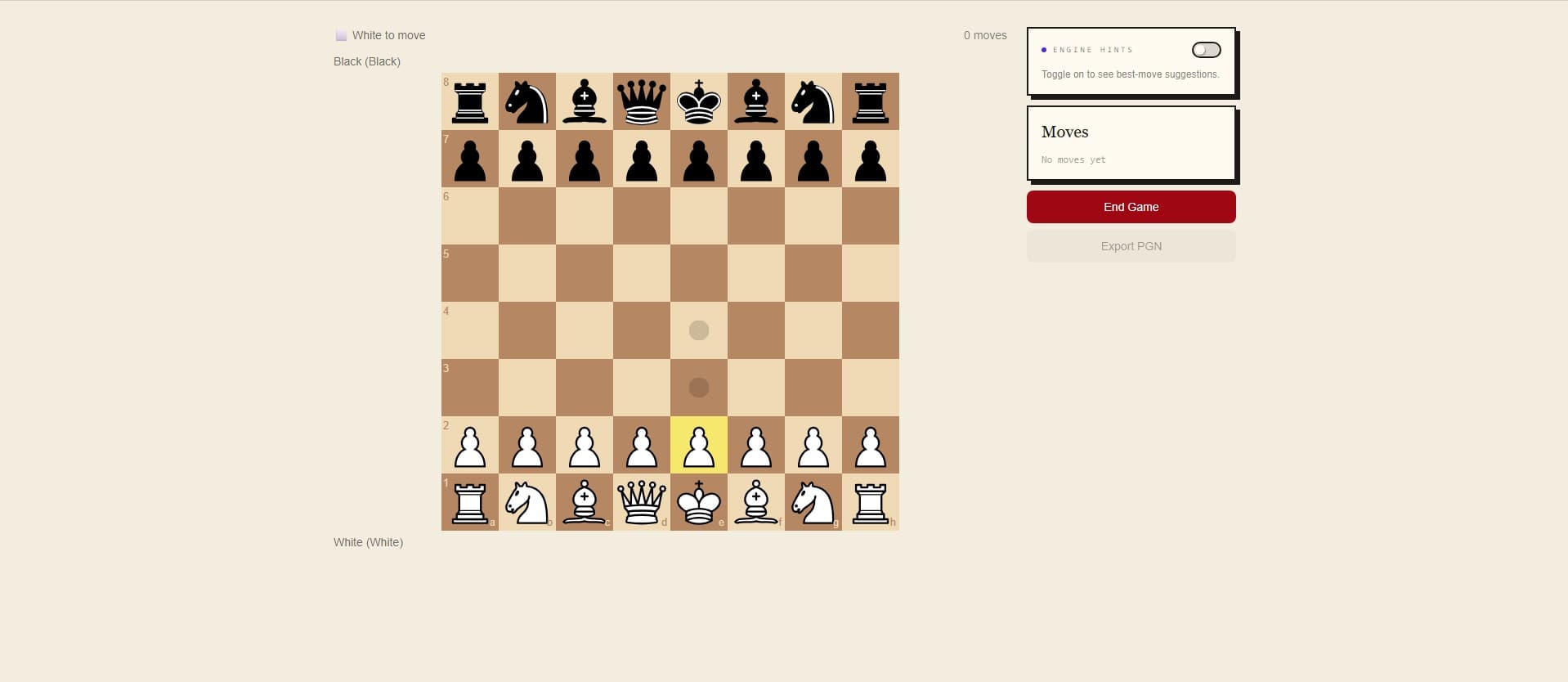
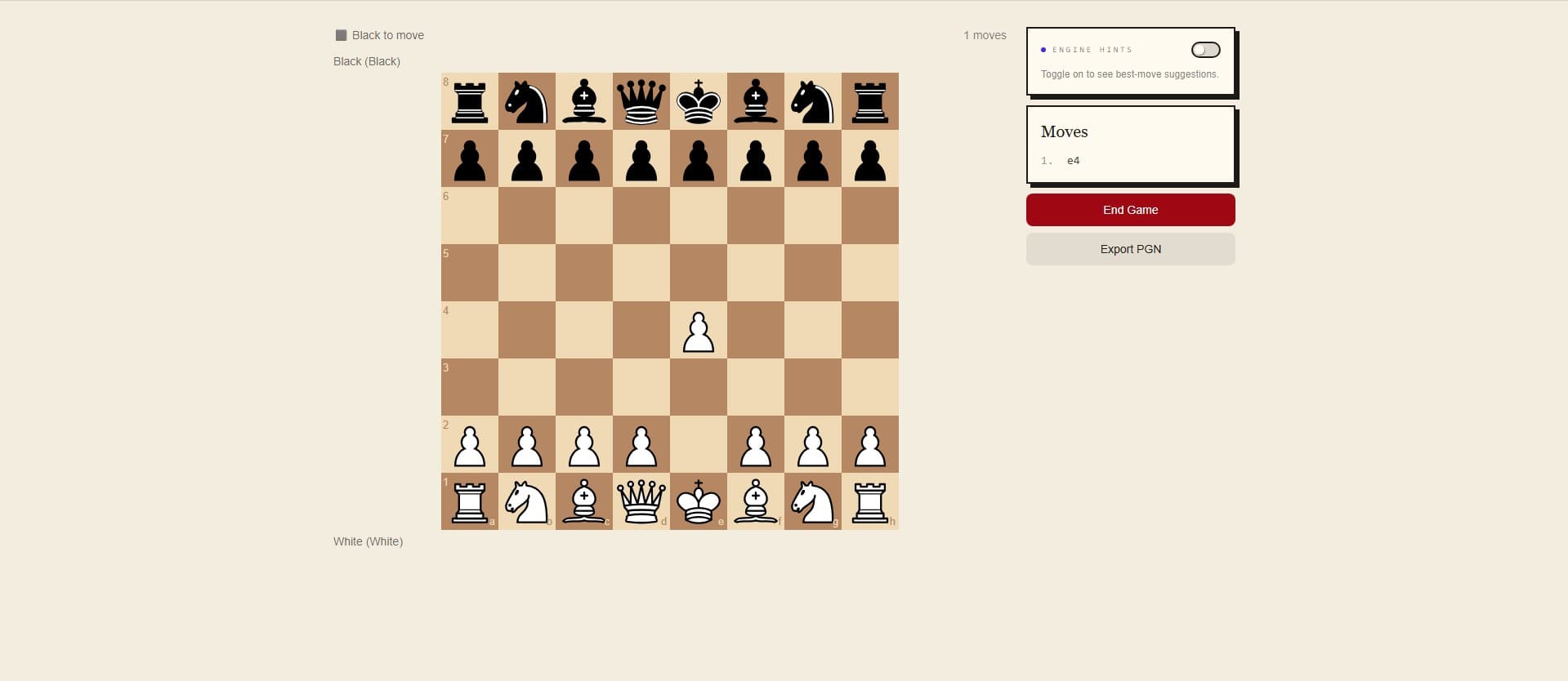
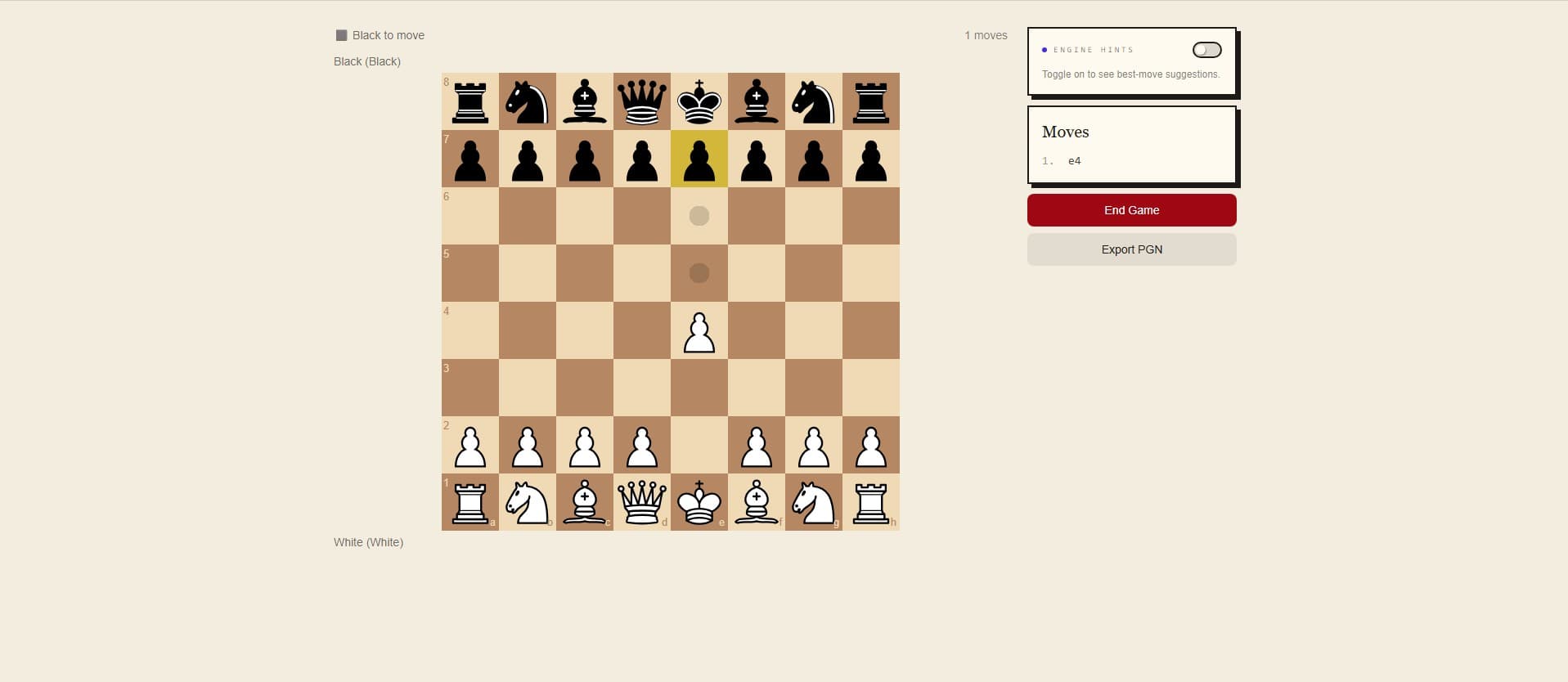
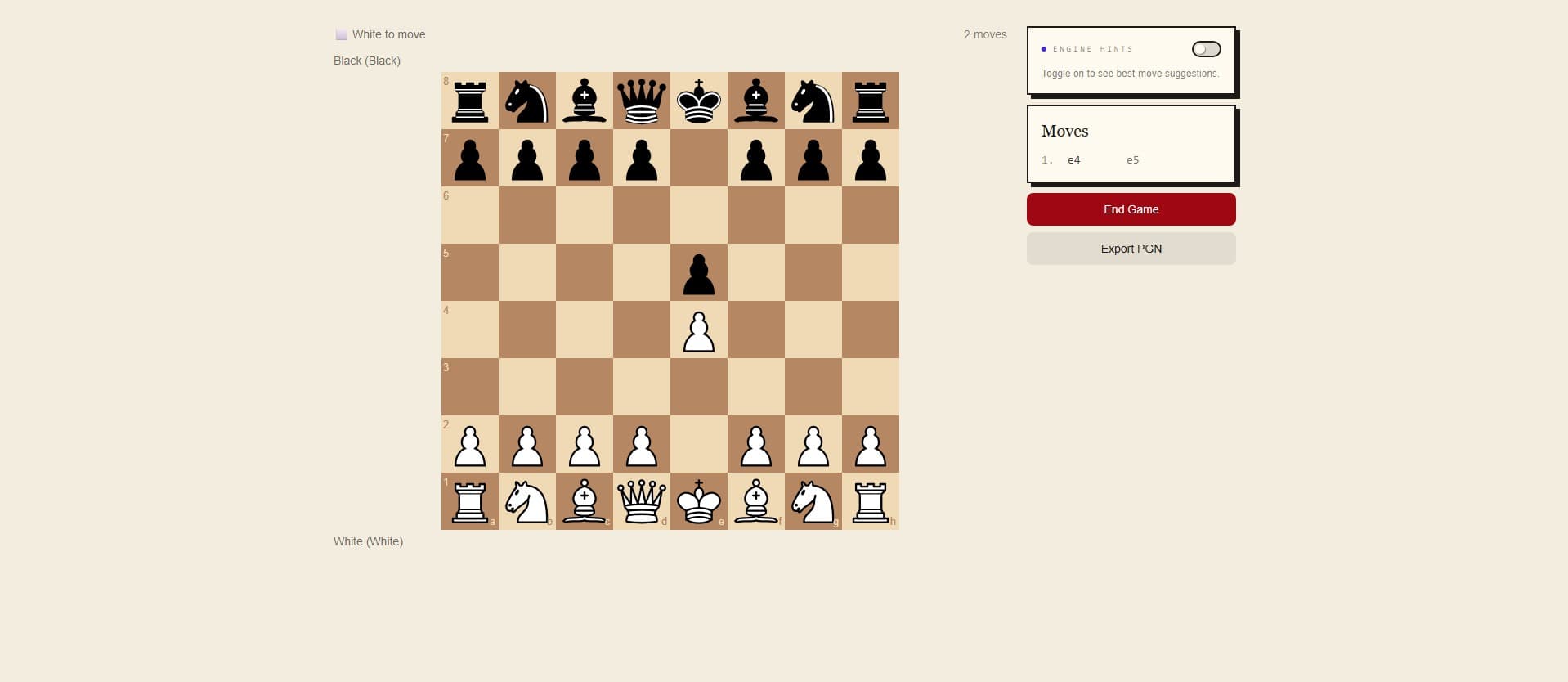
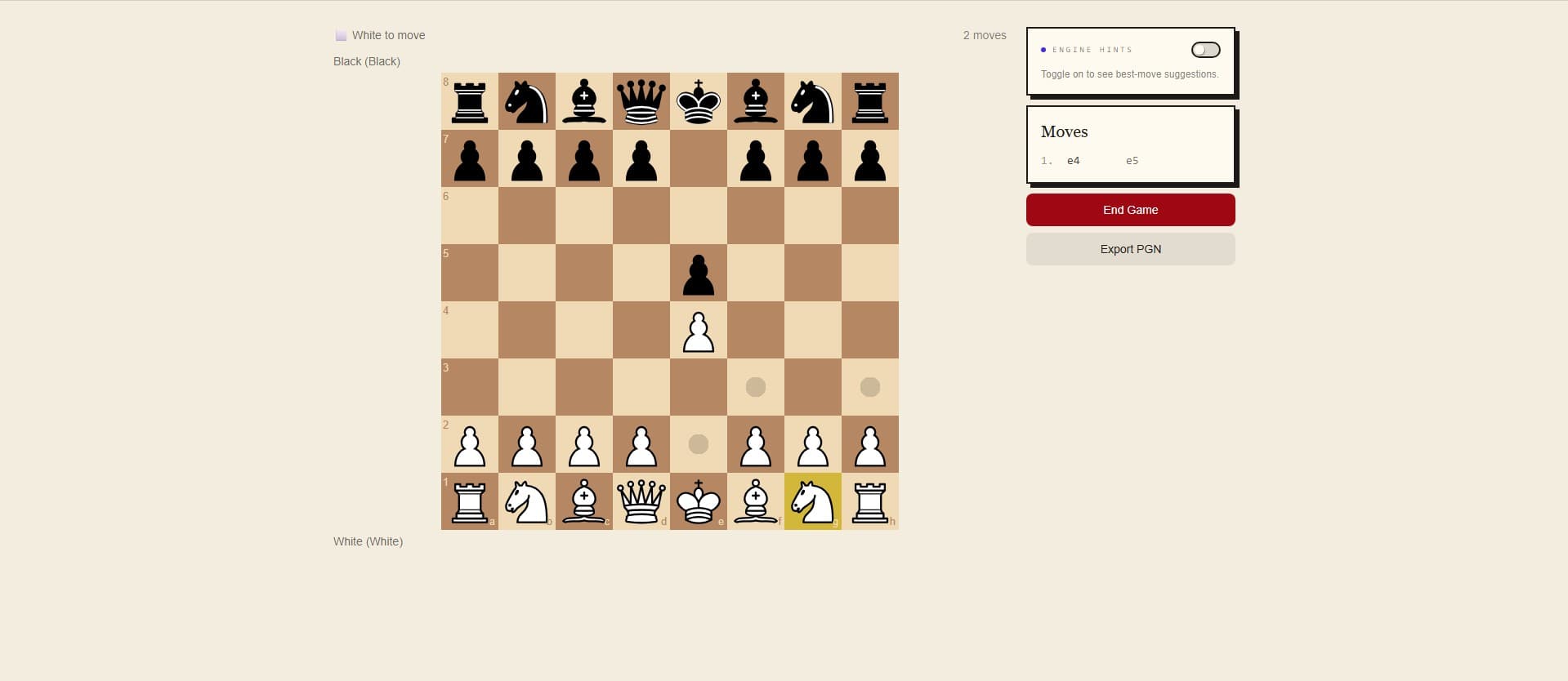
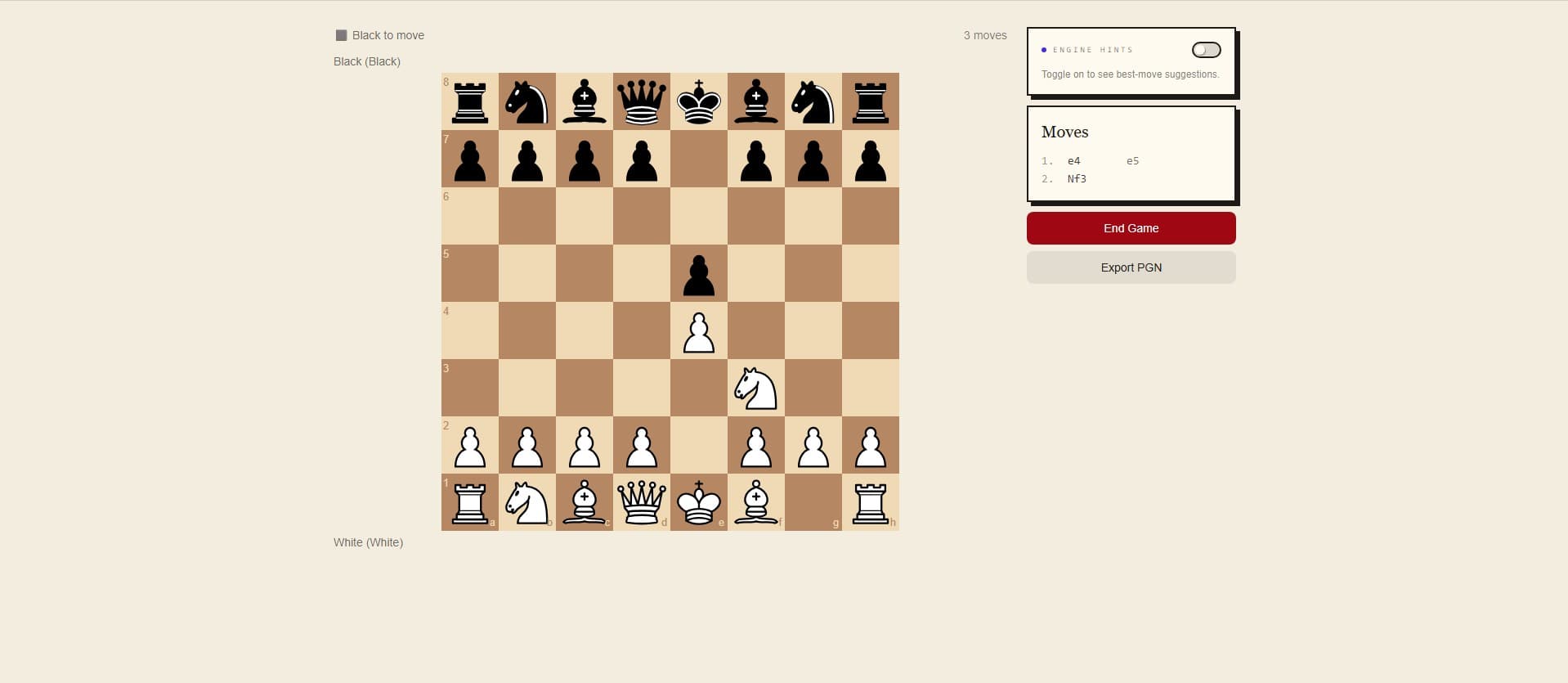
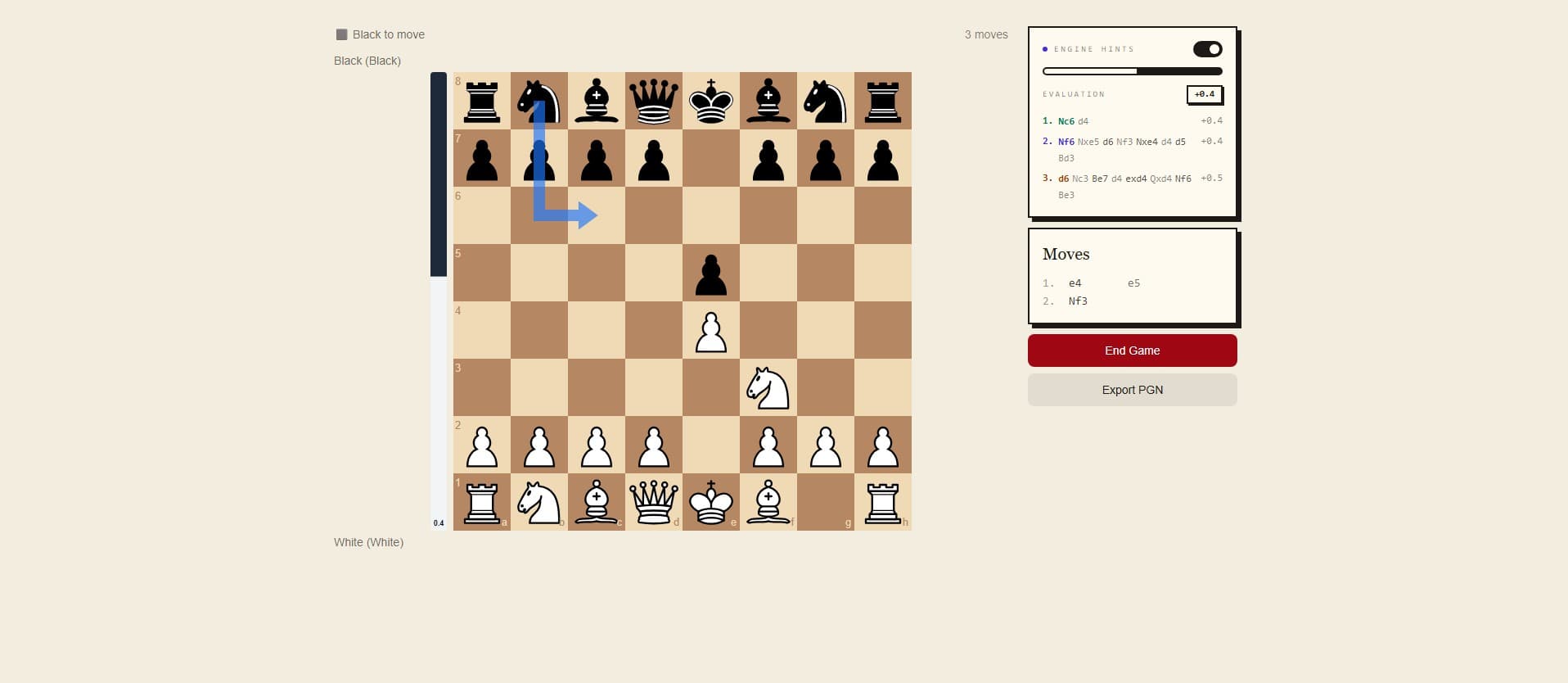
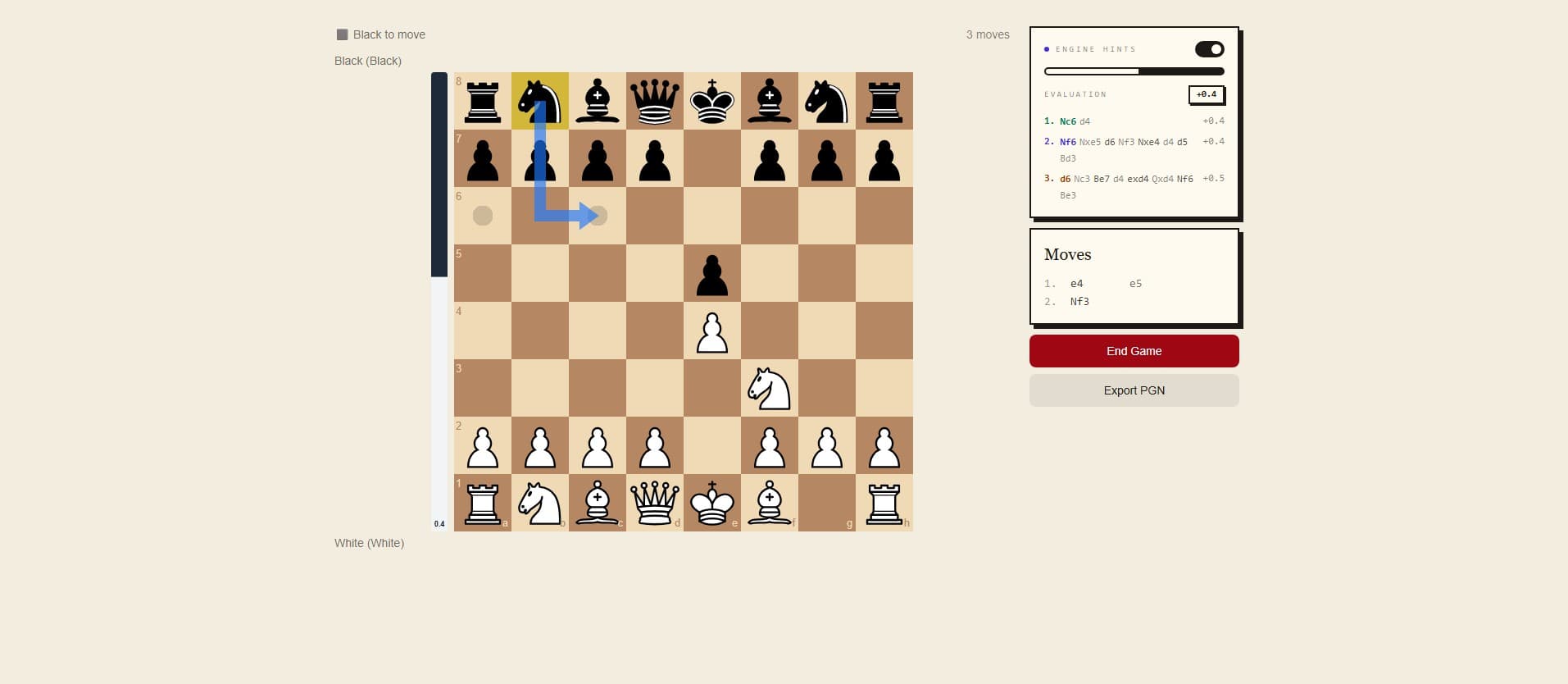
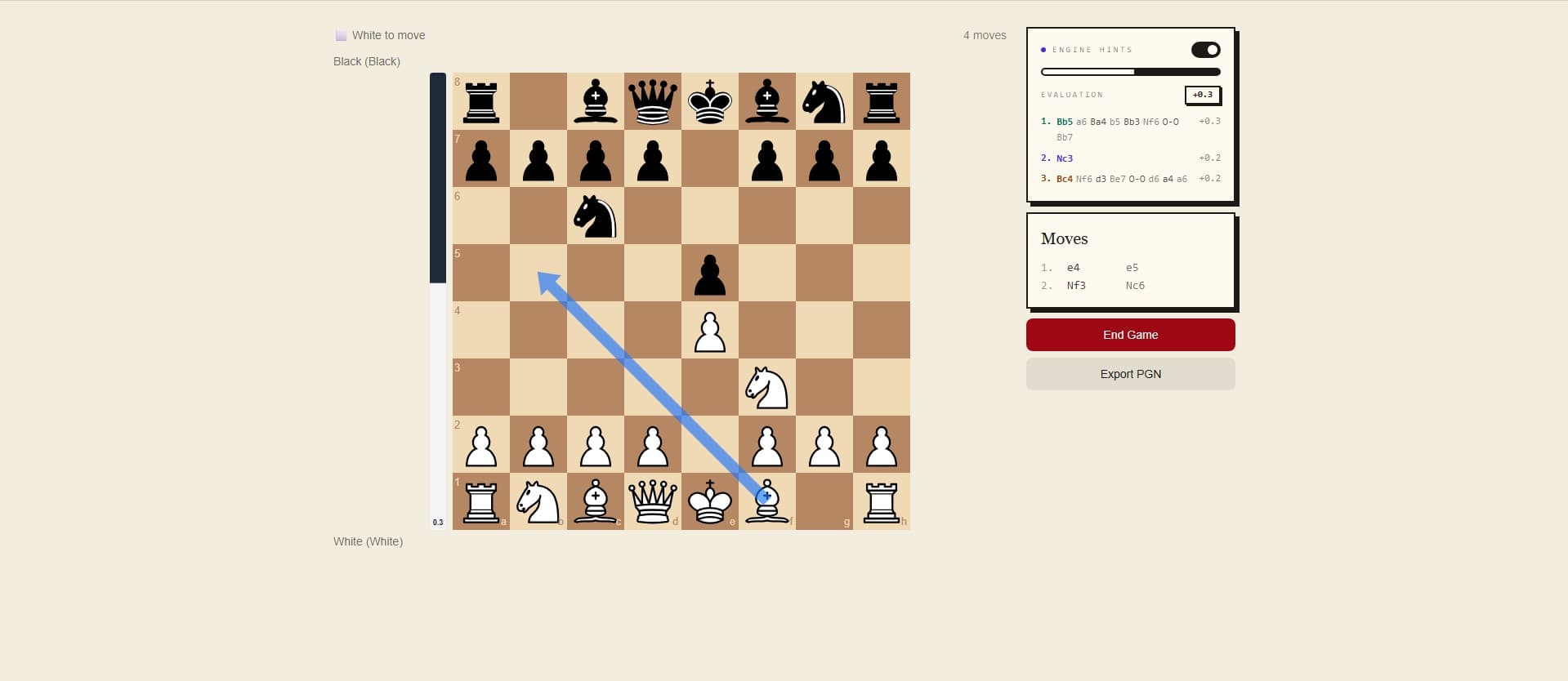
click your moves — pre · click · settled
A full game, entered by hand.
For replaying a tournament game from your scoresheet, studying a master classic, or analyzing an online game after the fact. Click and drag, end with a full PGN — ready for the same Stockfish review the camera games get.
- click & drag pieces · drop to place
- live engine hints during entry
- auto-detected mate, draw, resign
Find the critical moments.
Stockfish 16 runs over your full game, classifies every move on a six-tier scale, and surfaces the exact turn the game tipped. Here's a fragment of a real one.
six tiers: !! ! · ?! ? ??
A +0.6 edge handed back, the middlegame slipping into a losing endgame. The engine wanted Nd5, swapping to a winning knight outpost. Two more lines it considered: Rd3, f3.
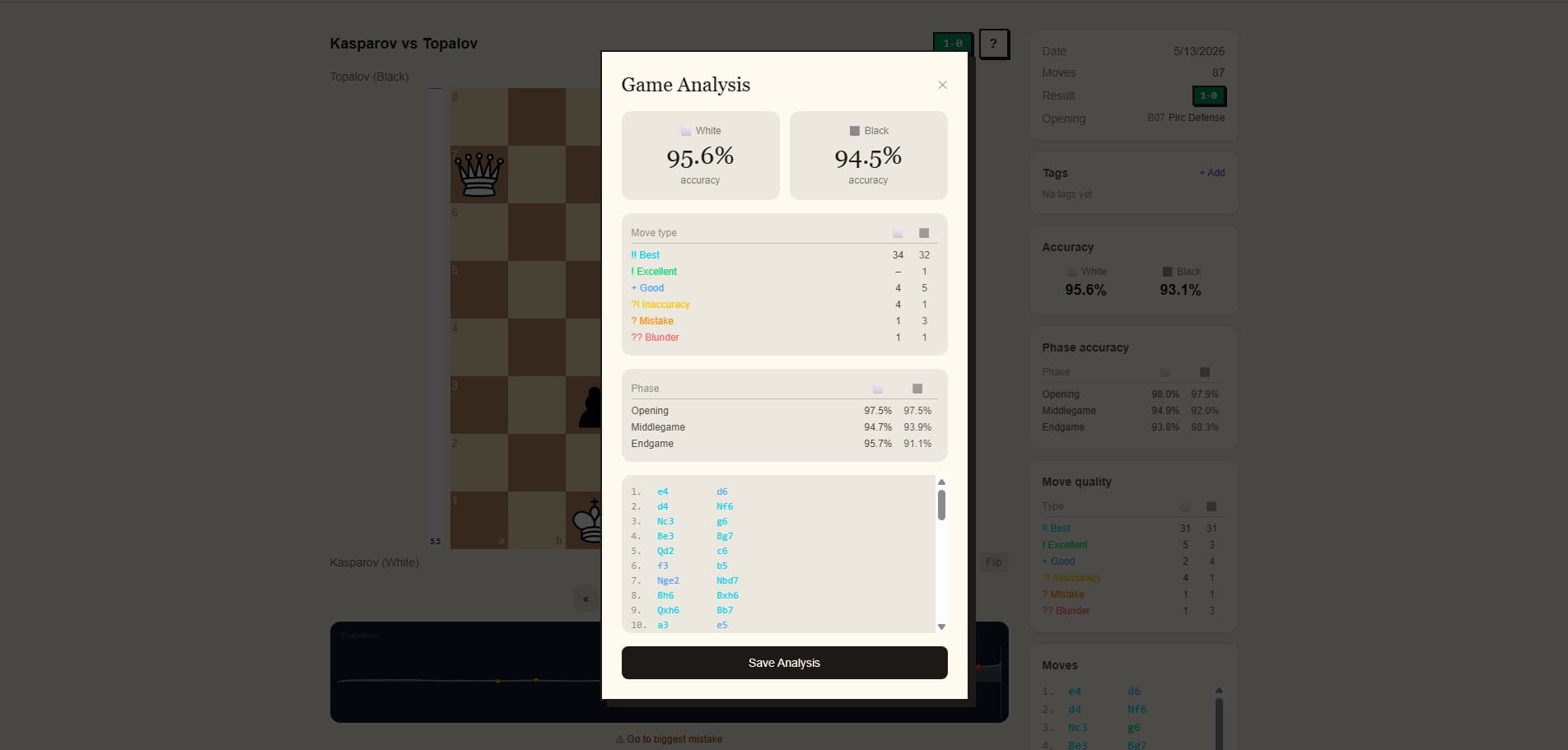
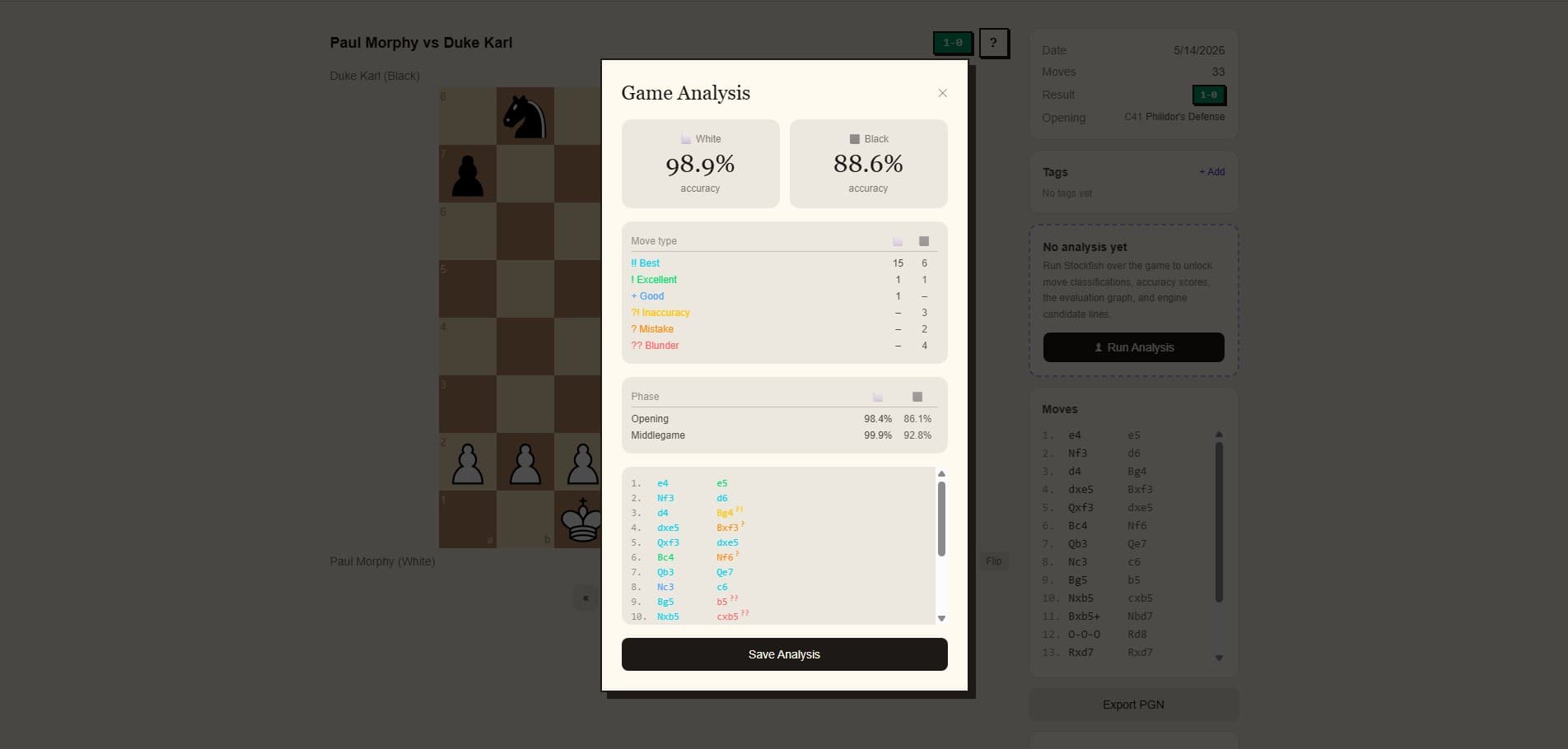
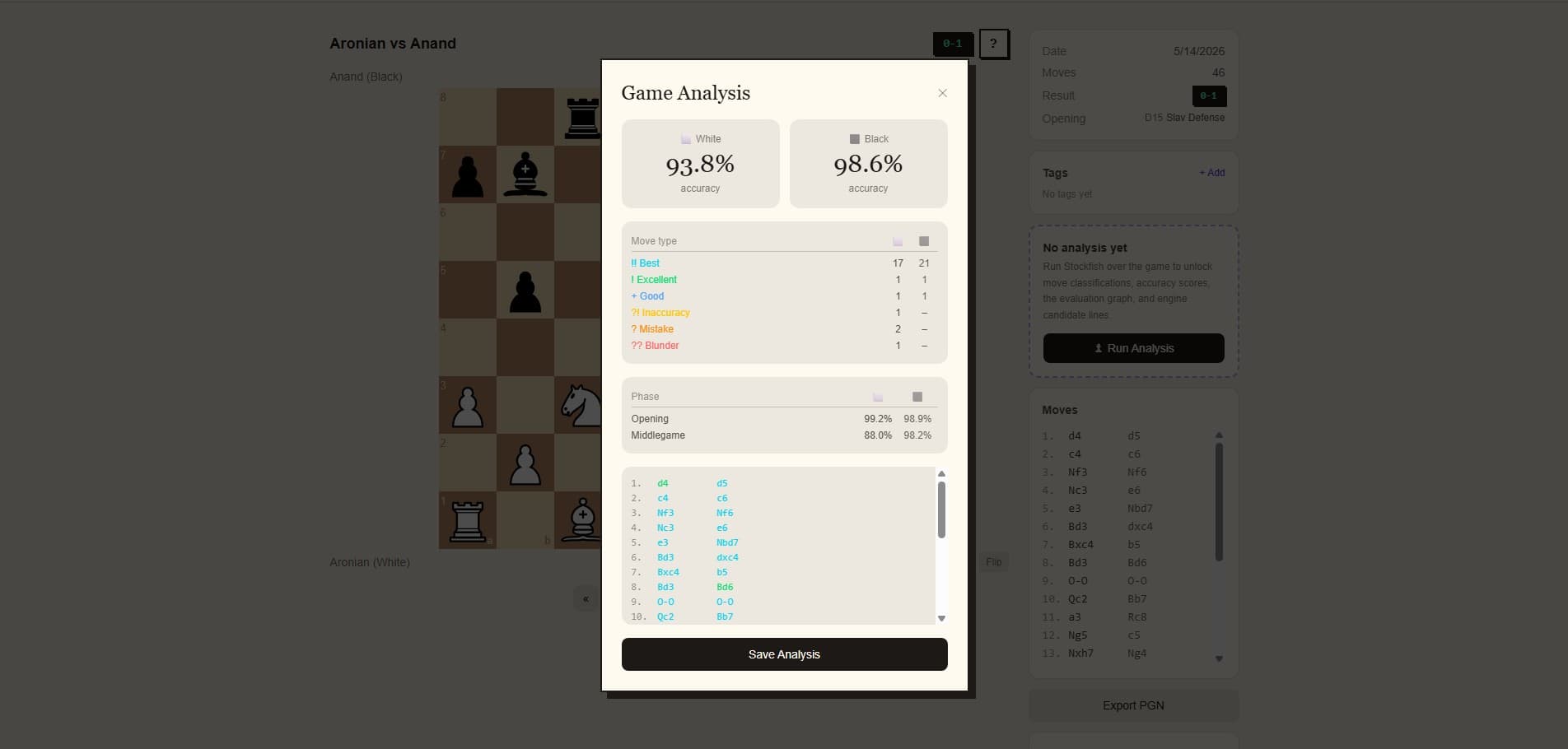
1 / 3 · move classifications + eval graph
A studio for the in-between.
Three drills you can run with the same camera that records your games. No new hardware, no separate trainer app — just open and play.
Board Vision
The app names a square. Place a piece there. The camera verifies. Build the kind of notation reflex you need under tournament time pressure.
Evaluate Position
Set up any position on a real board, scan it, toggle the engine. Solo study mode for endgame puzzles, deep middlegame analysis, or your latest game's critical moment.
Opening Trainer
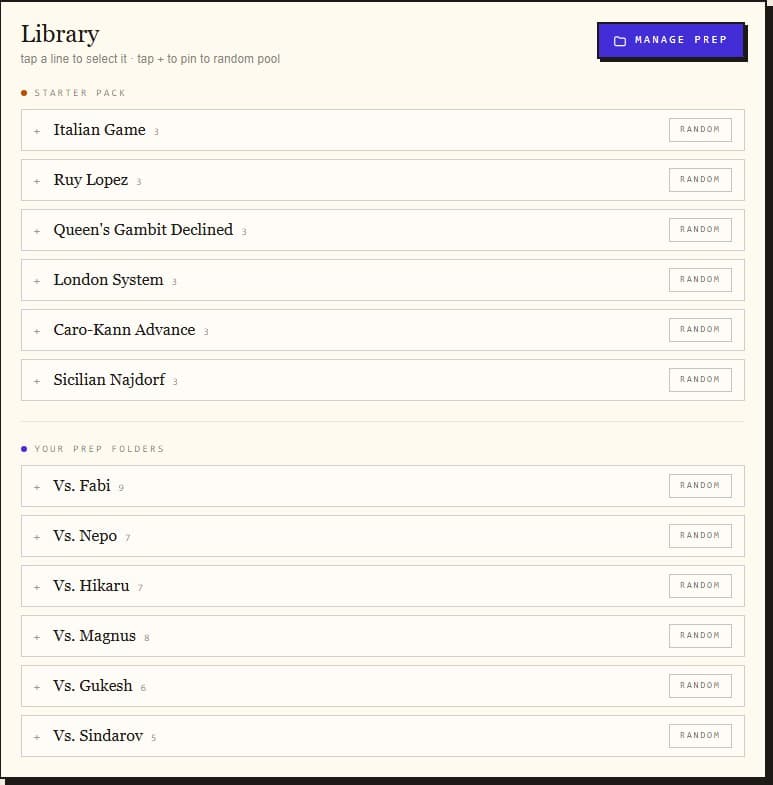
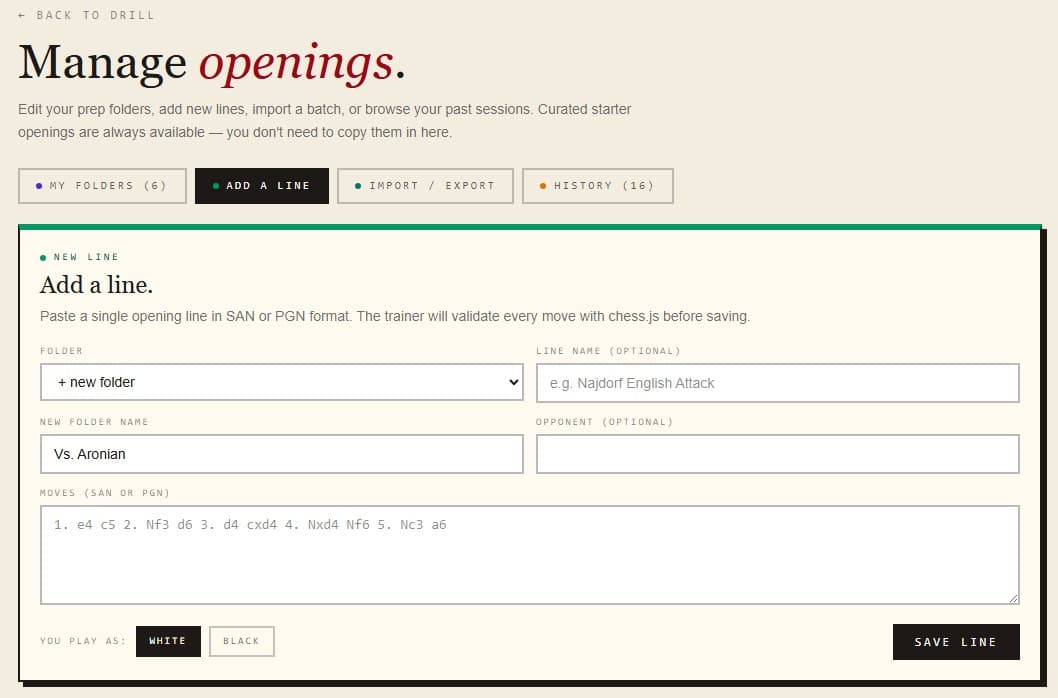
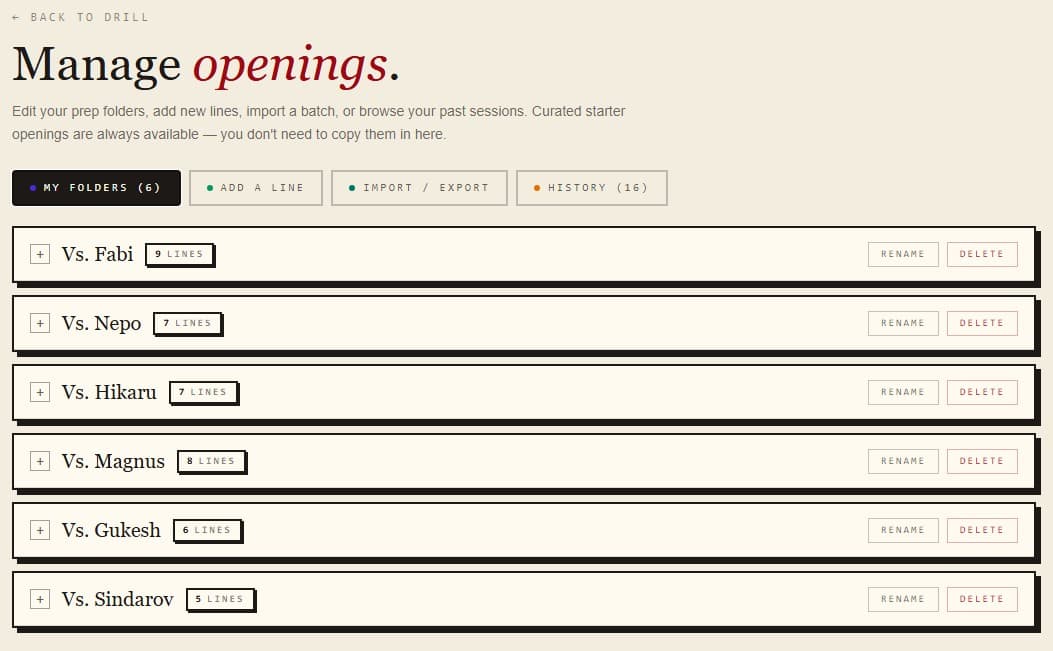
Build a folder for every opponent you face. Save the lines you actually need against your club's IM, your tournament rival, the kid who always opens 1.e4 e5 — separate prep, all in one place. When the pairings post Friday night, you already know what to drill.
Step through a line with engine commentary at every move.
Play the line move-by-move against the camera until it's automatic.
A random line from the folder — no warning which one's coming.
Stream your club night.
Run a public-facing overlay of your live game — eval bar, move list, player names. Drop the URL into OBS and broadcast a tournament round, a coaching session, or a challenge match.
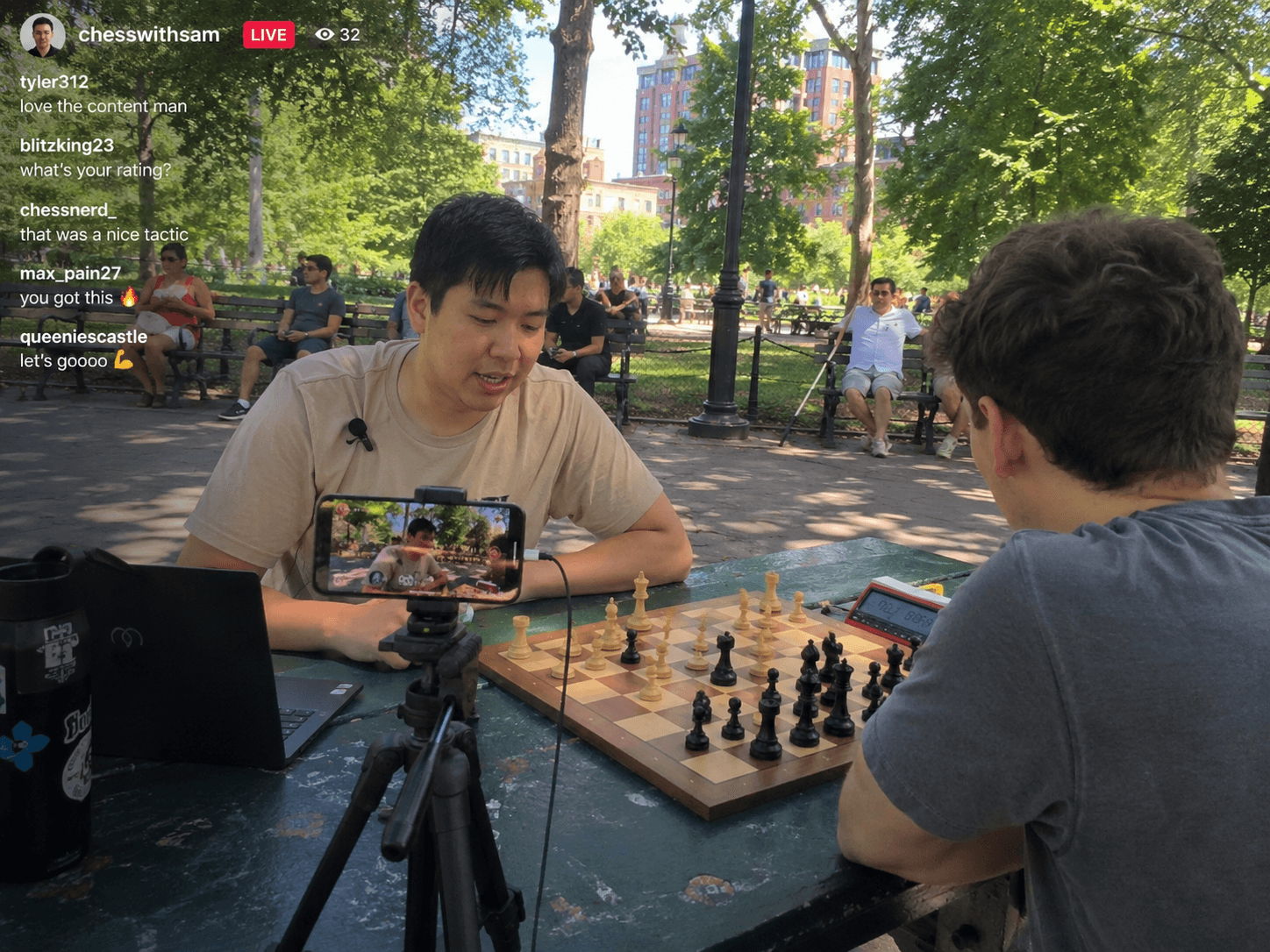
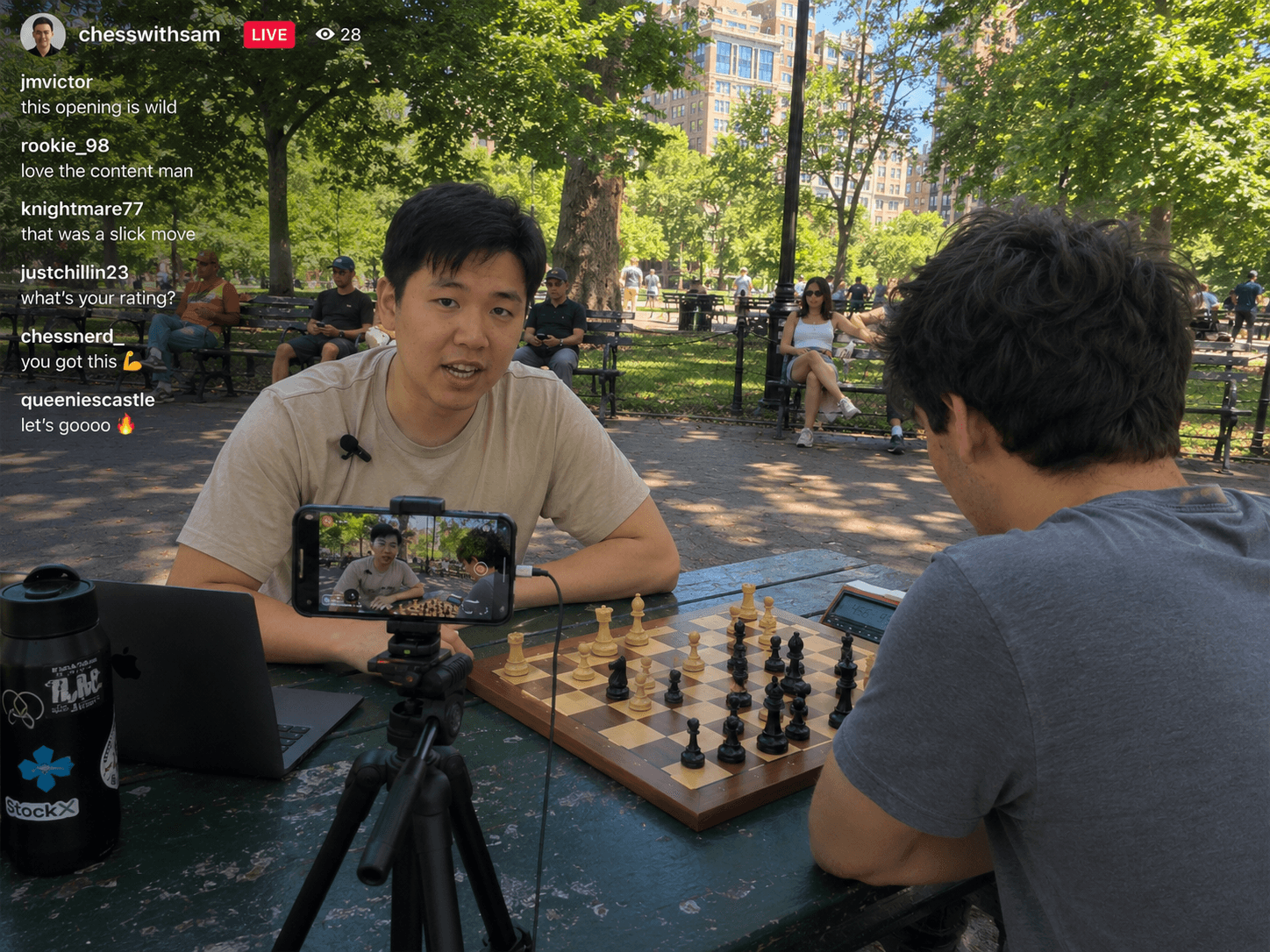
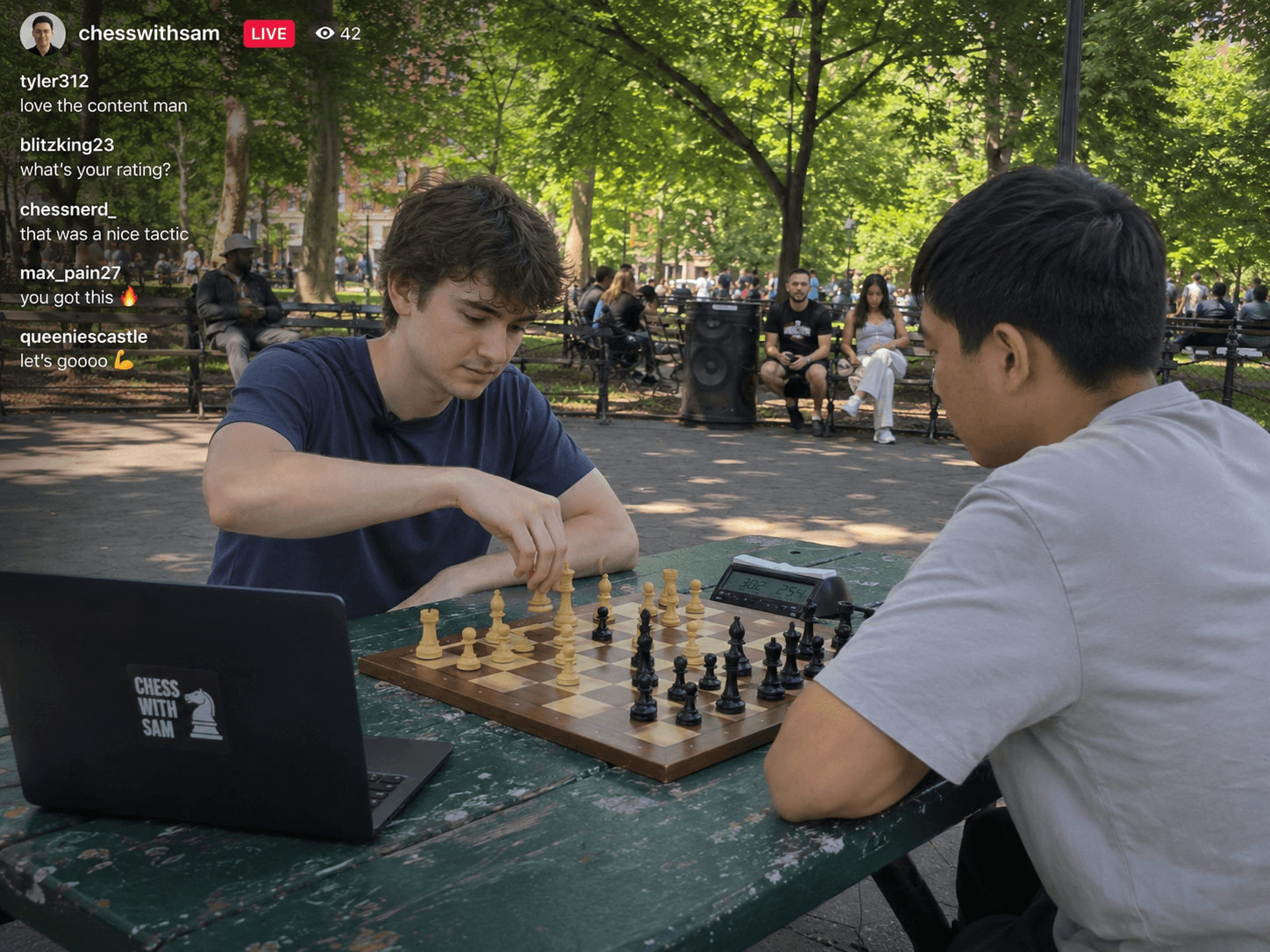
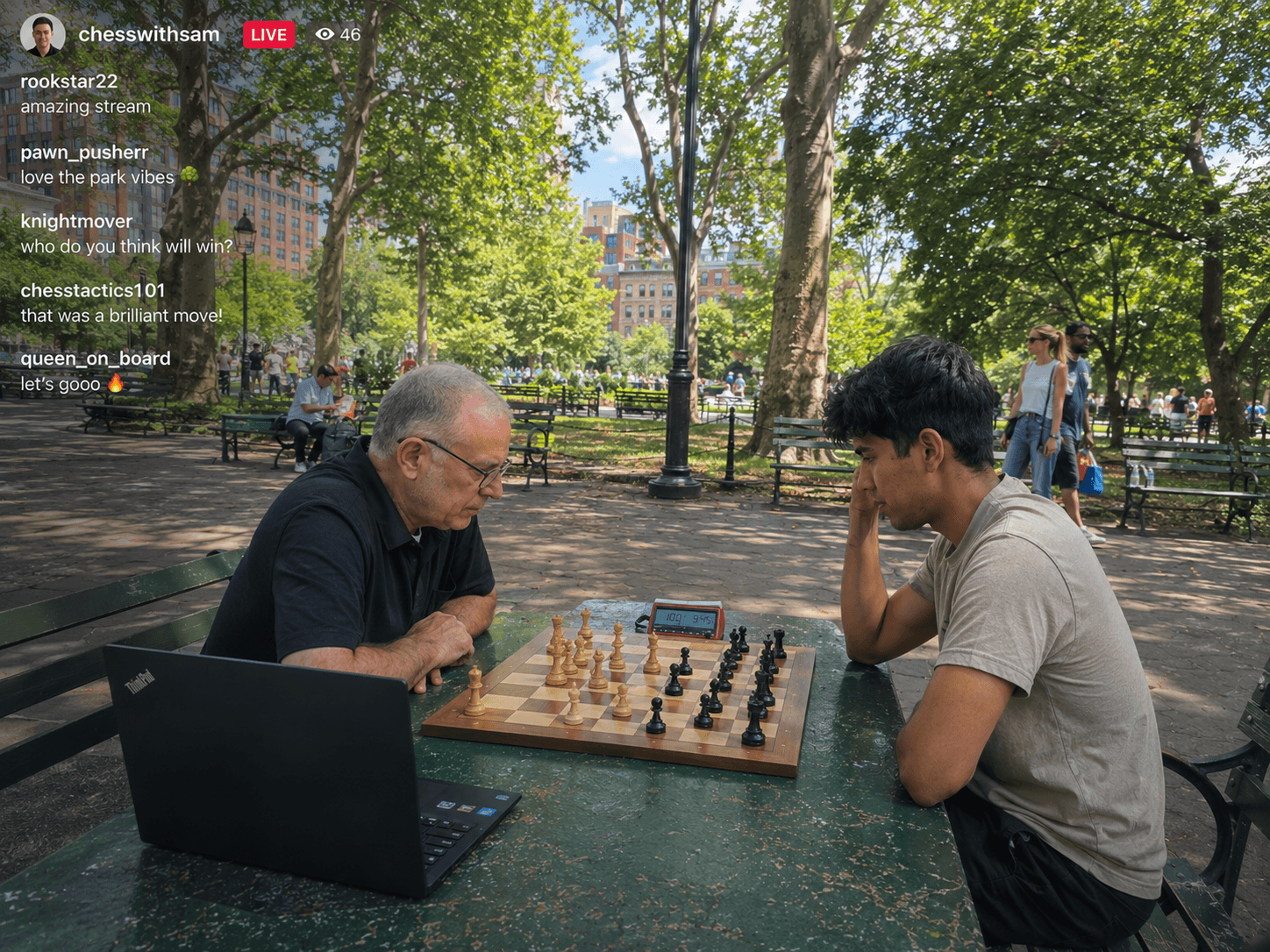
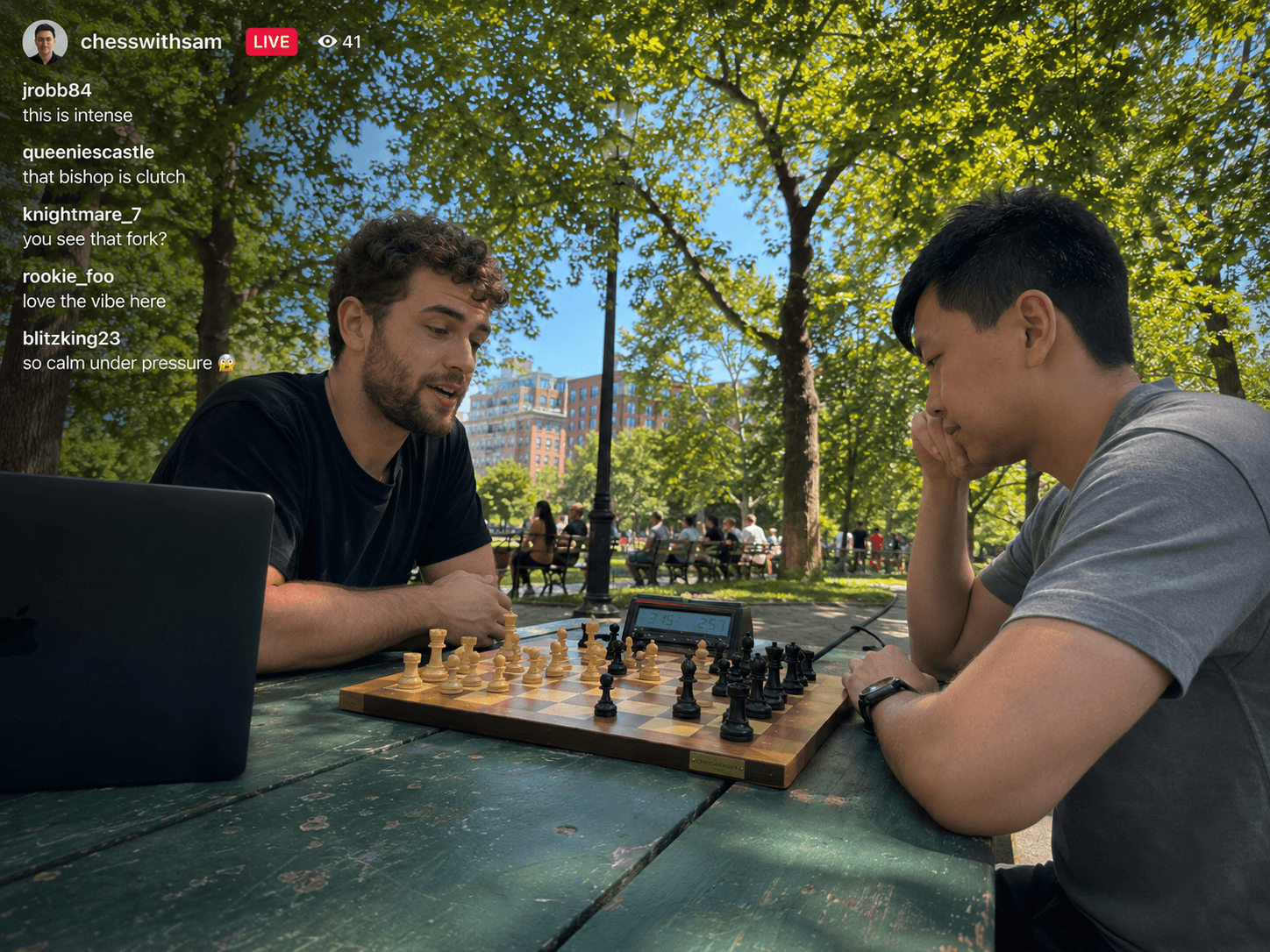
OBS overlay — your live broadcast view
One overlay URL stays live across rounds. Resume, swap players, link a new game — the broadcast keeps going.
The overlay reads the live game directly — every move on the physical board appears in the broadcast the moment it's logged.
One phone records the board. The browser tab on your streaming machine renders the overlay. That's it.
Where we are. Where we're going.
Game library + manual entry
Stockfish · eval · classification
Live camera tracking
Training studio · drills + openings
Streaming overlays for OBS
Puzzles built from your blunders